SelfService
Various study-related information and services, such as semester tickets or study certificates, can be managed in SelfService.
Target Group: students
Contact: IT-Beratung


Various study-related information and services, such as semester tickets or study certificates, can be managed in SelfService.
Target Group: students
Contact: IT-Beratung
The semester ticket is valid for all local transport throughout Germany. The ticket can be downloaded online from the SelfService and must be added to a wallet app.
To use the semester ticket, you need a free wallet app.
Download and installation instructions for your operating system can be found here:
The semester ticket is valid for all local transport throughout Germany. The ticket can be shown as a QR-Code in the SelfService and then saved as an screenshot.
In SelfService, click the “Semester tickets” tile.
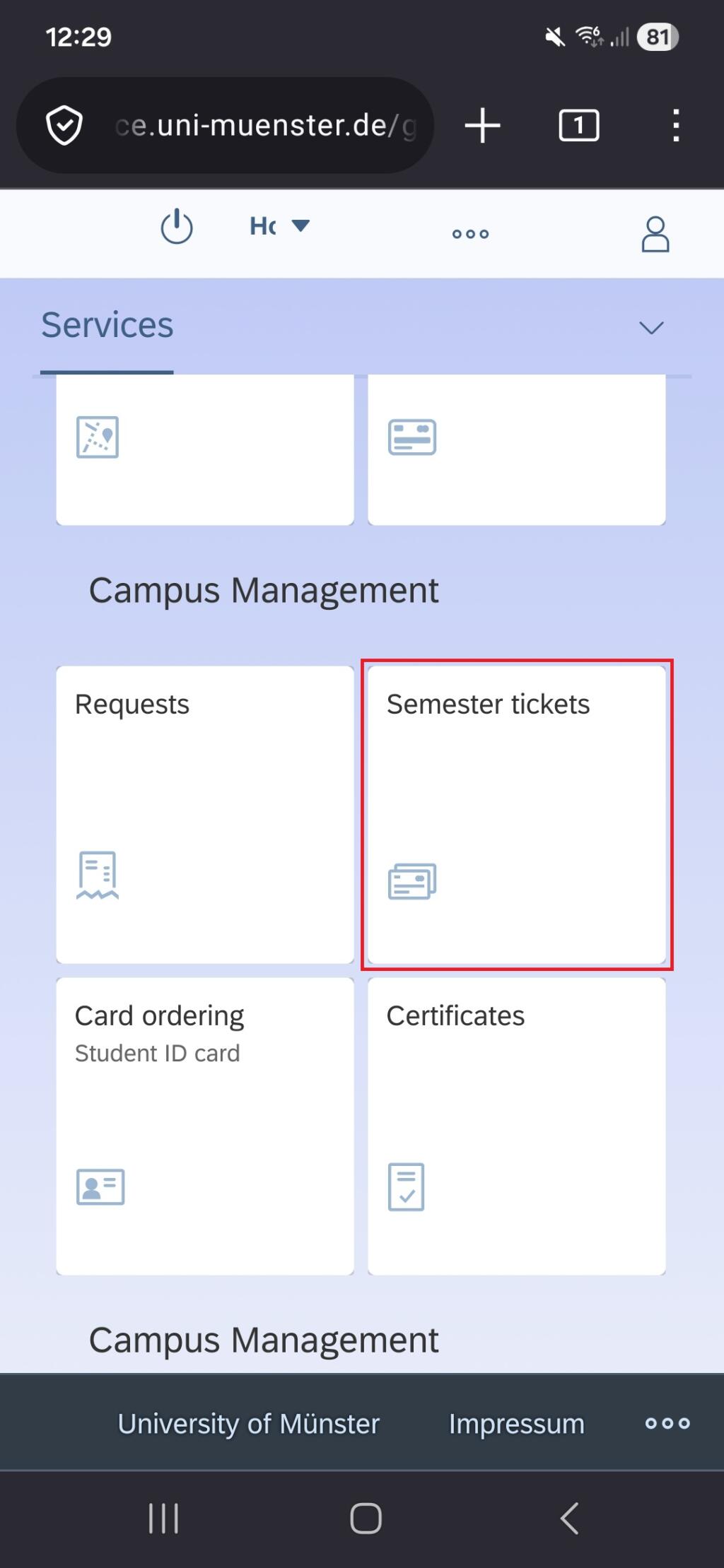
Open your current semester ticket.

Check the box to submit your information and accept the privacy policy. Then Click on th tile "Show QR code for ticket".

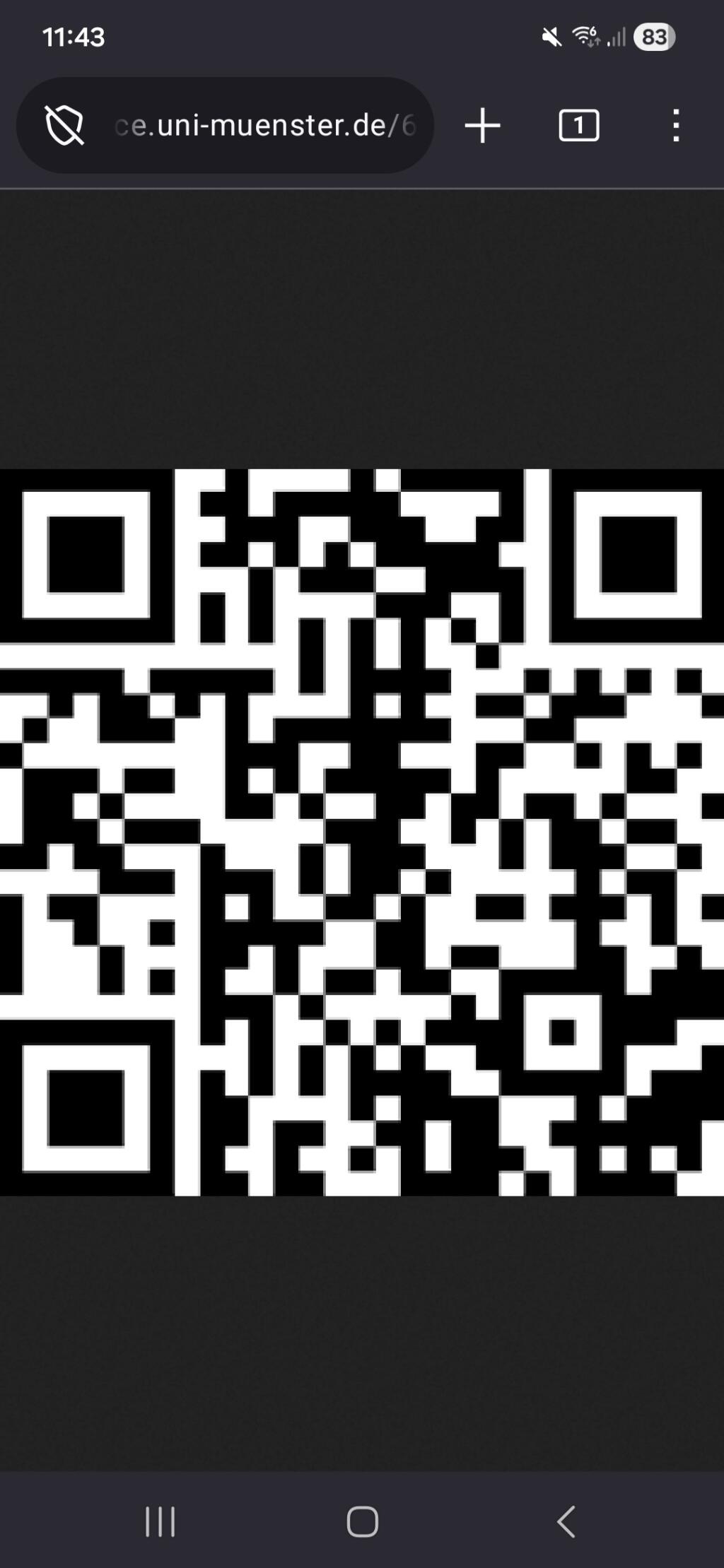
Take a screenshot of the QR code displayed.
Generally, you can take a screenshot by pressing the power button and the volume down button at the same time.
You can mark the screenshot as a favorite in your photos or move it to a separate folder.
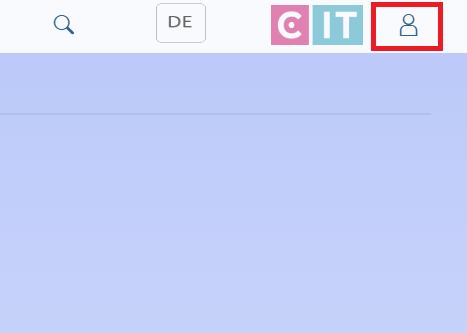
After logging into SelfService, you must click on the person icon in the upper right corner.
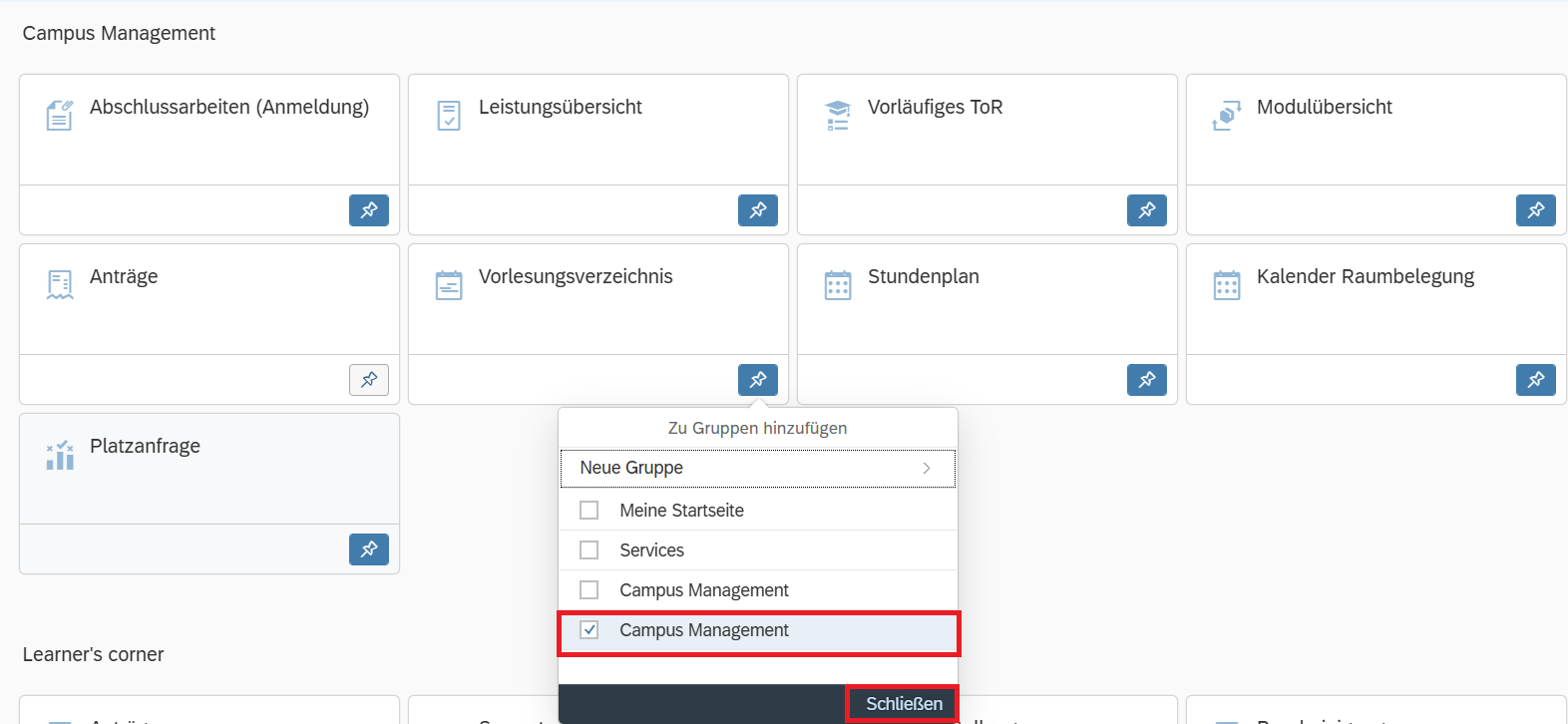
Select the "App Finder" category. There you will find all the tiles available in your SelfService.
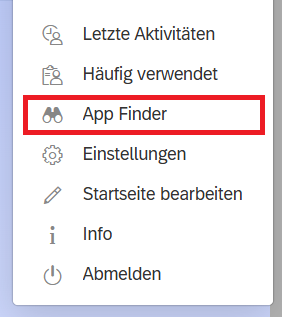
In the App Finder, you can then add the desired tiles to the groups in your SelfService.