Google Wallet
1. Downloading the Google Wallet App
Download the App in the Play Store by searching for Google Wallet.
© CIT 2. Opening the ticket in the SelfService
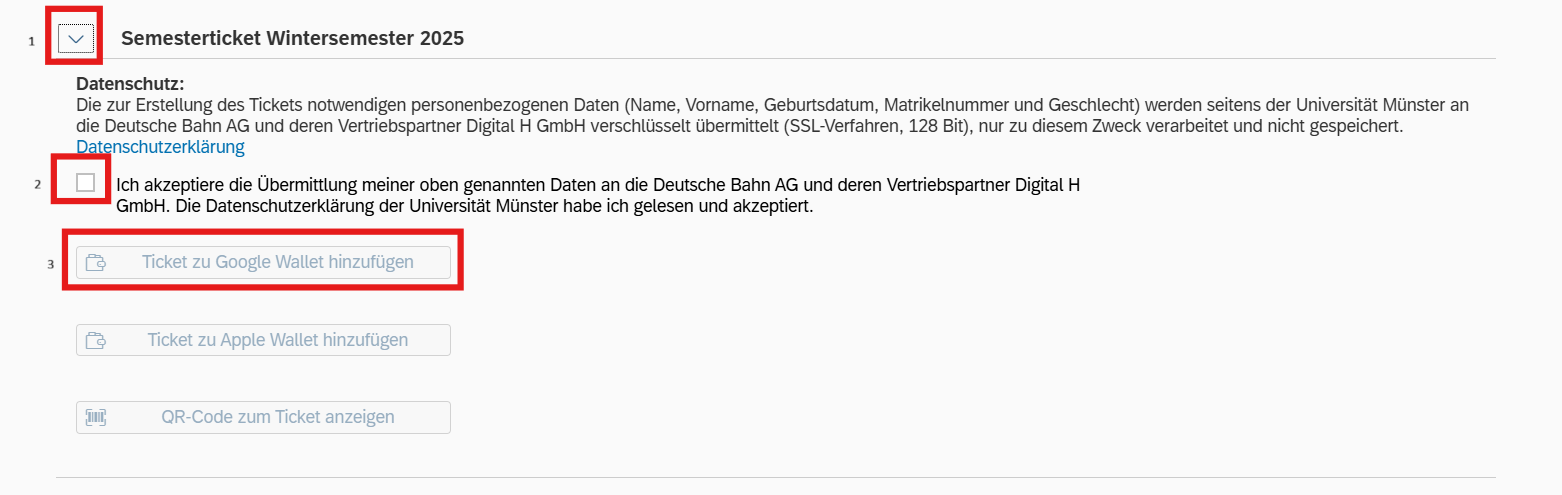
In the SelfService, select the “Semester tickets” tile. Then scroll down and click on the arrow next to “Semester ticket.” Once you have consented to the transfer of your data to Deutsche Bahn AG, you can continue and click on “Add ticket to Google Wallet”.
© CIT 3. Add to Google Wallet
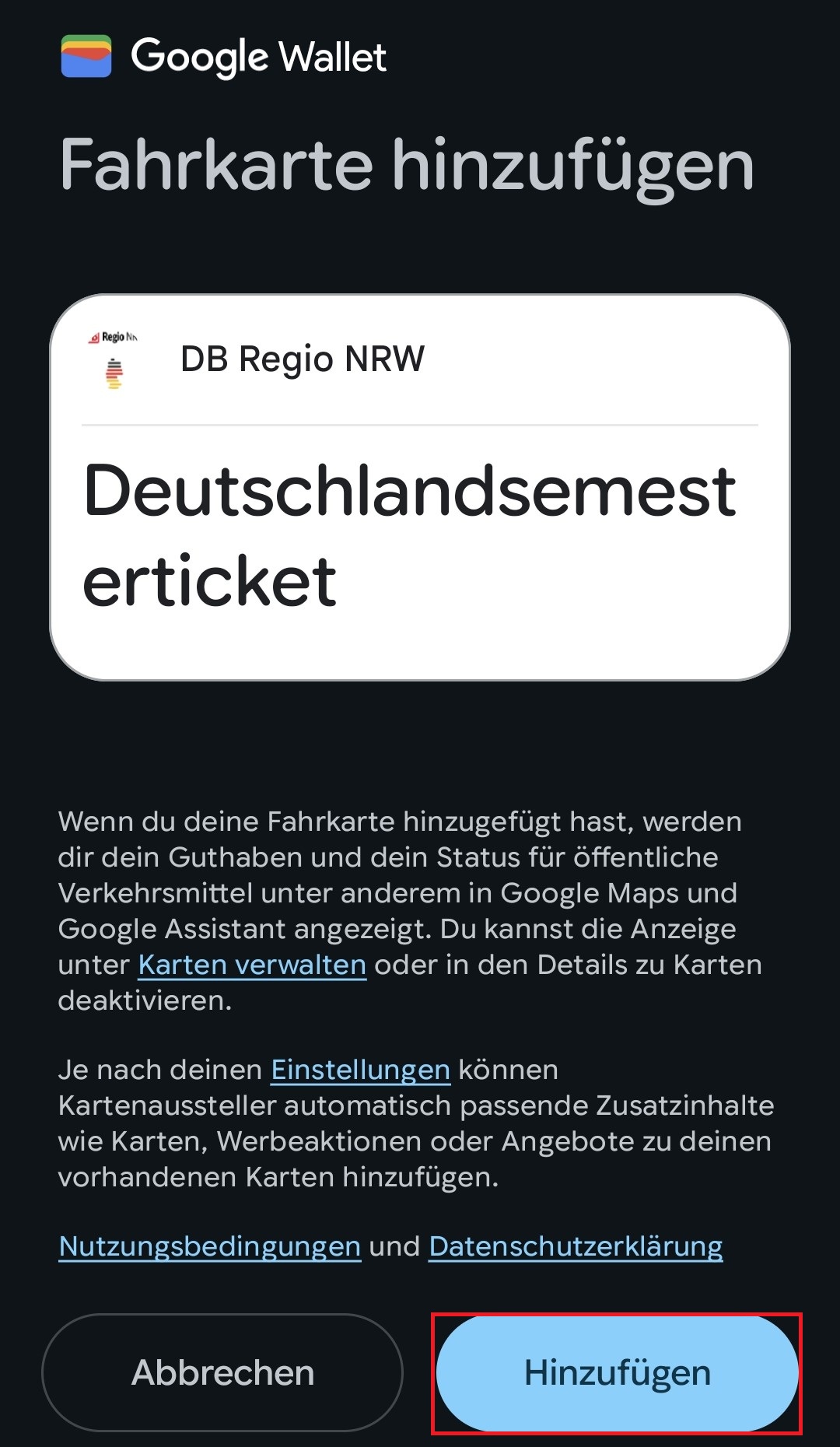
Now you need to click on “Add” and the semester ticket will be added to your wallet.