

Adding tiles in the SelfService
Detailed Instructions
1. SelfService home page
After logging into SelfService, you must click on the person icon in the upper right corner.

© CIT 2. Select App Finder
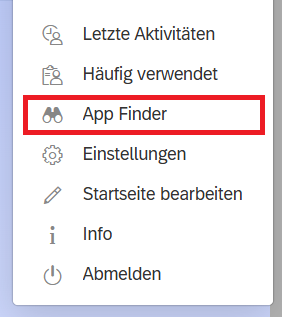
Select the "App Finder" category. There you will find all the tiles available in your SelfService.
© CIT 3. Adding to the groups
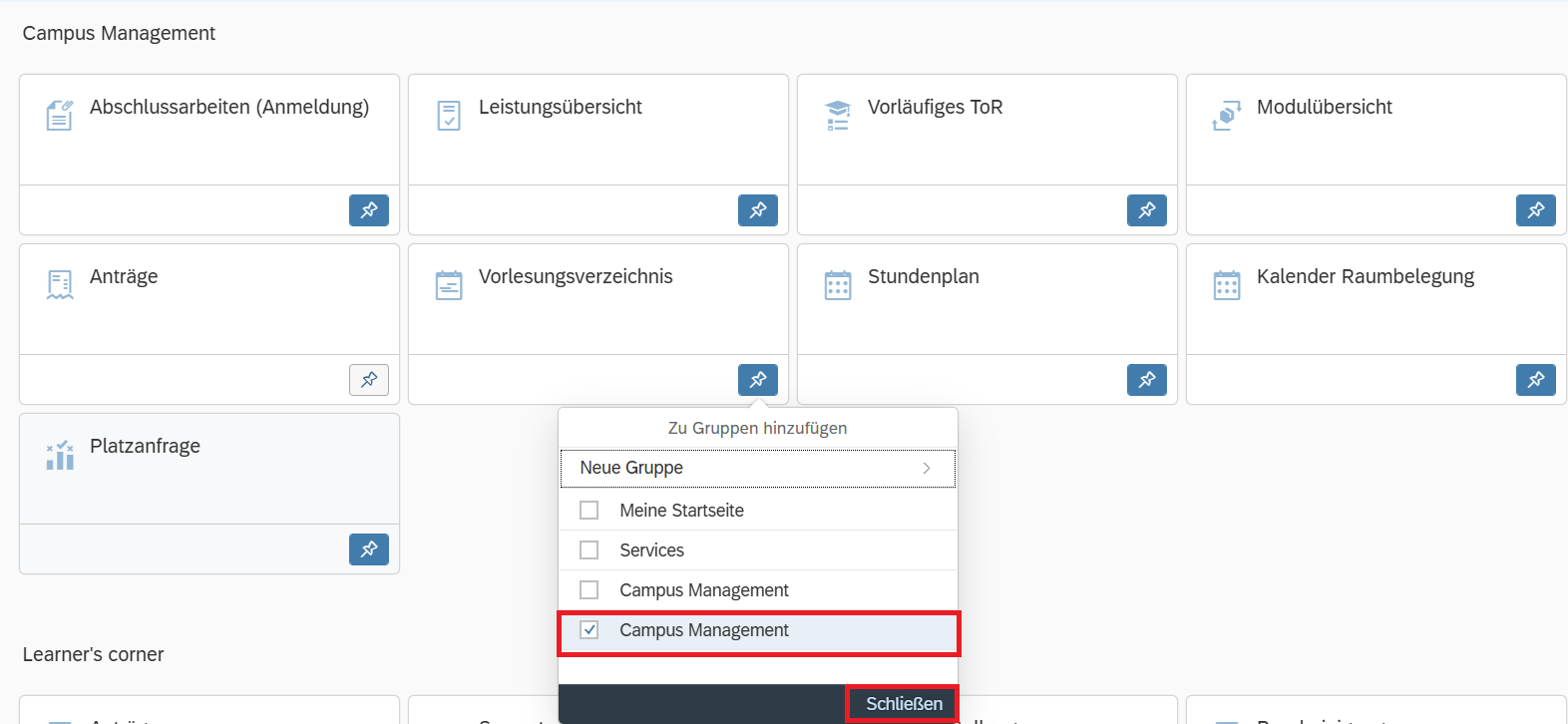
In the App Finder, you can then add the desired tiles to the groups in your SelfService.
© CIT