Office 365 License Migration (MacOS)
If you already have Office 356 products installed on your PC, you can switch licenses by linking the programs to your new Microsoft Azure account (WWU-Kennung@on.wwu.de) and the associated license.


If you already have Office 356 products installed on your PC, you can switch licenses by linking the programs to your new Microsoft Azure account (WWU-Kennung@on.wwu.de) and the associated license.
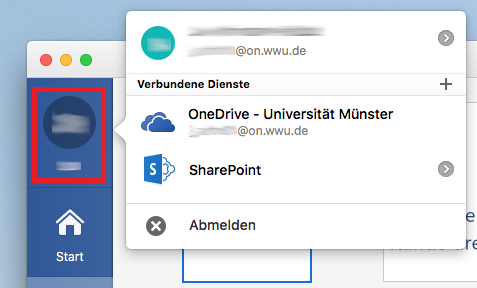
Open one of the Office products (e.g. Word) and select your name. In the menu that opens, select "Logout".
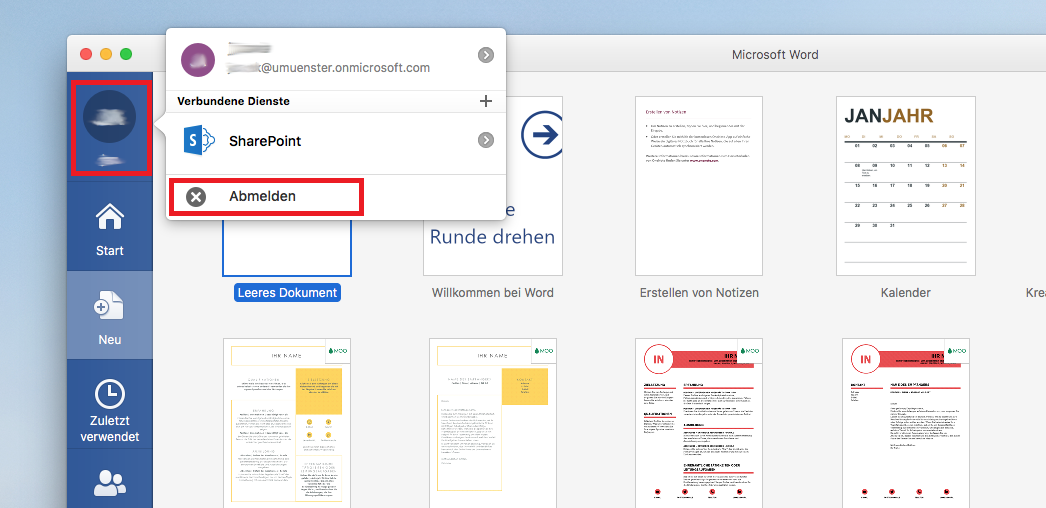
Confirm the unsubscribe.

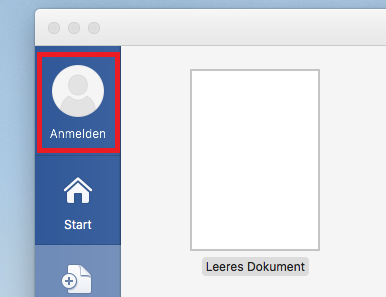
Click "Sign in" to add your new Microsoft Azure account.
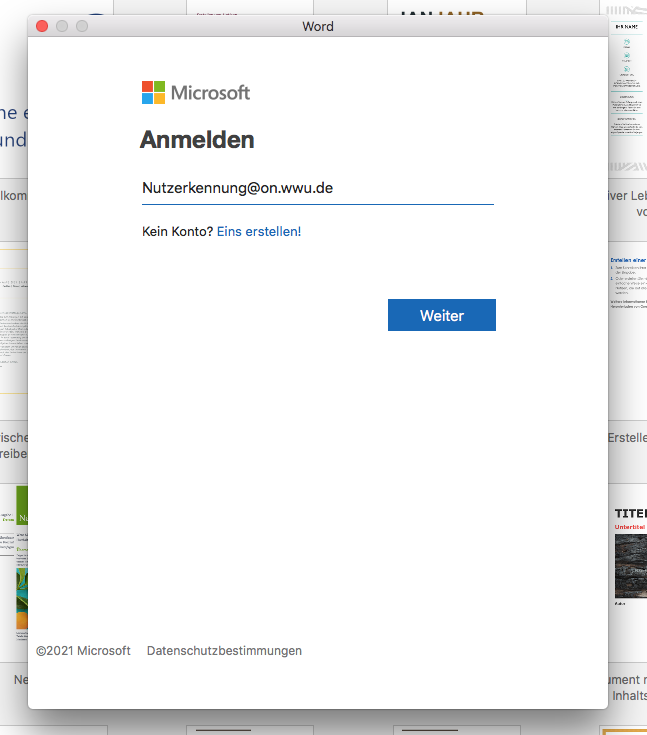
Log in with the login data of your Microsoft Azure account. The linked licence has now been changed.
By clicking on your name, you can ensure that you have successfully activated Office 365.
Note: The license also changes automatically for other Office 365 products.